Bring AI to the work.
Never the work to AI.
An air-gapped agentic workbench that turns sensitive documents, drawings and code into finished work, entirely on your own GPUs.

Arjun
CLI & agent runtime

Brijesh
Server & router

Divyanshu
Web client

Ravi
Android & iOS app

Bhavna
Design & landing page

Shreya
Models & evaluation
platforms
CLI build targets
web languages
effort levels
[01]How it works
One server. The right model for each task.
Pragyan routes each step to an open model running on your GPUs.
Your apps
5 clients · 1 login
- Chat, documents and code
- Choose effort, not models
- One company account
Pragyan server
access · memory · search
- Users, roles and limits
- Shared memory and projects
- Search across internal files
Pragyan Router
automatic · per task
- Understands the request
- Picks the best local model
- Checks important answers
Models on your GPUs

Qwen3.6 35B
plan · vision

GLM-4.7 Flash
code

gpt-oss 20B
reasoning

PaddleOCR-VL
scans
The router picks a model for each step, then keeps it until the work changes.
Choose low for speed or max for deeper work and a second-model check.
Models run through llama.cpp or vLLM on your GPU server. No cloud model is called.
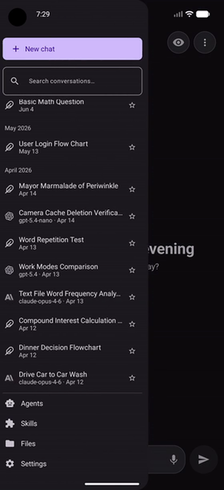
Chats and project context follow you across the terminal, browser and phone.
Search manuals, SOPs and past reports. Every answer links back to its source.
Keep related chats, files and instructions together.
At higher effort, a different model checks the result before it is returned.
See which model handled each step and why.
[02]Download
Use Pragyan anywhere
One account for the terminal, browser and phone.
Terminal
Pragyan CLI
Install the local coding agent and sign in.
1curl -fsSL -o pragyan https://sih2026.duckdns.org/downloads/pragyan-darwin-arm64
2chmod +x pragyan && sudo mv pragyan /usr/local/bin/
3pragyan auth loginDownloaded with the button? Run chmod +x and xattr -d com.apple.quarantine on the file before starting it.
Browser
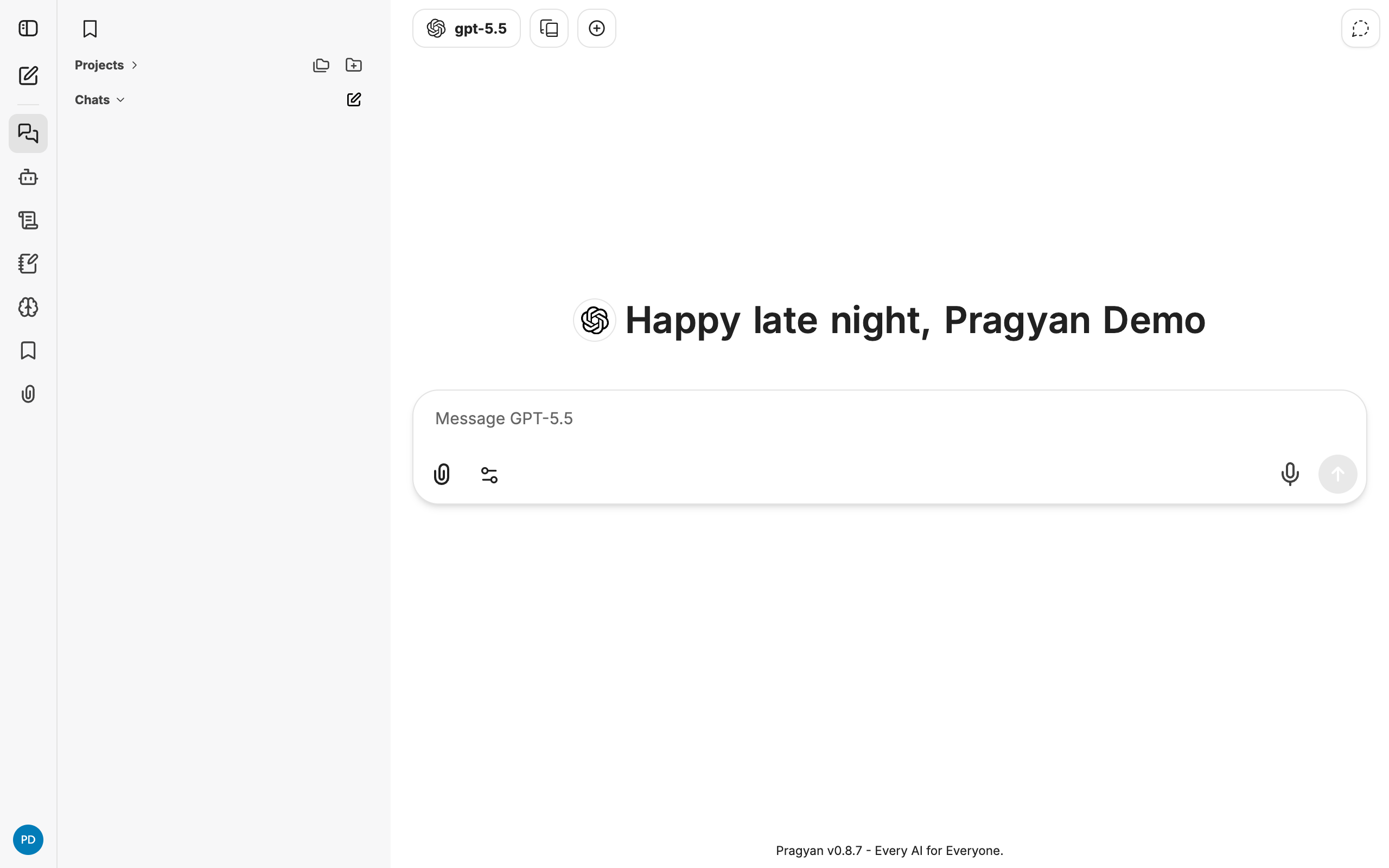
Pragyan Web
Open chats, projects and documents in any browser.
Source
Build from source
Requires Bun 1.4.2. Builds for your current platform.
git clone https://github.com/vermarjun/SIH26
cd SIH26/cli && ./install
Soon
Desktop
The full workspace in a native desktop app. Coming soon.

[03]Features
Private AI that does the work
Code, documents, scans and internal knowledge, handled inside your network.
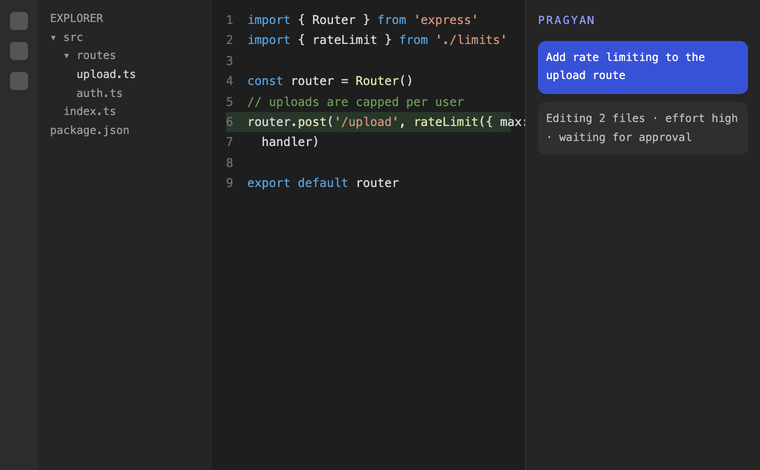
src/routes/upload.ts
12router.post('/upload',
13+ rateLimit({ max: 30 }),
14 handler)
$approve edit? (y/n)
Works directly on your code
The CLI reads, edits and tests local repositories with your approval.
A model for every task
Scans go to OCR, code to a coding model and calculations to a reasoning model.
Authorize the CLI
signed in with your company account
Sign in from any terminal
Approve a short browser code. No passwords are stored in the CLI.
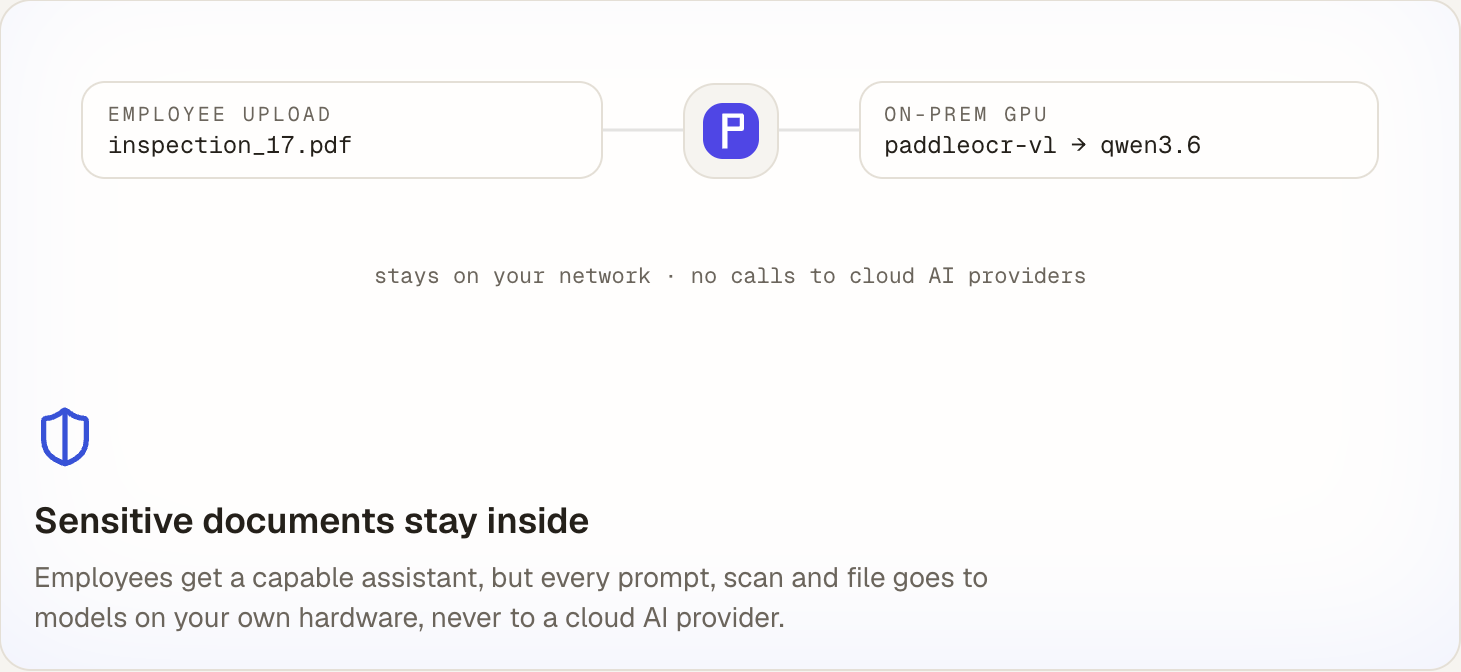
employee upload
inspection_17.pdf
on-prem gpu
paddleocr-vl → qwen3.6
stays on your network · no calls to cloud AI providers
Data stays on your network
Prompts, files and scans go only to models on your hardware.
step budget
on
answer verifier
Choose effort, not models
Effort controls speed, reasoning depth and answer checks.
Tools for real work
Run code, edit files, use MCP tools and keep recoverable snapshots.
Built for company access
Use SSO, roles, groups, 2FA and per-user limits.
Built with
[04]FAQ
Common questions
No. Prompts, files and scanned reports are processed by open models on your servers. Pragyan does not call cloud AI providers.